Creator Tools

Scene Breakdown

Analyze shots, scenes, and visual storytelling with AI.

DollyDolly·May 13, 2026
Drama.Land Scene Breakdown – Analyze shots, scenes, and visual storytelling with AI
3independent phases
14analysis dimensions
3shot classes
≤5 minrecommended source
What it does

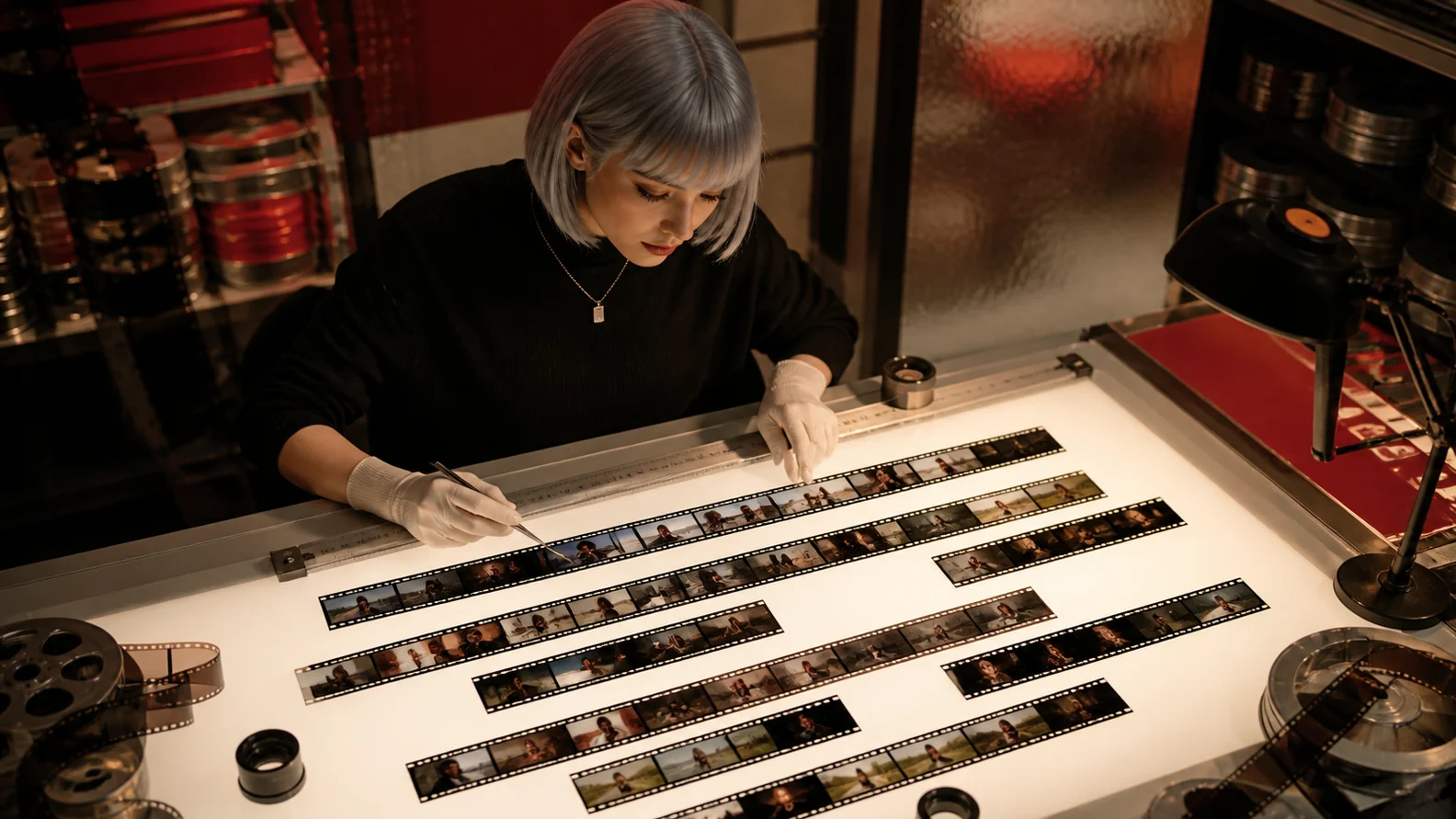
See how a video is constructed, shot by shot

Scene Breakdown detects shot boundaries, can extract every shot as a separate clip, and optionally analyzes a frozen set of visual, narrative, text, motion, and audio dimensions for consistent comparison.

  • 1Run one, two, or all three independent phases
  • 2Select from fourteen analysis dimensions
  • 3Classify flash, short, and normal shots
Shot-by-shot analysis example
A first-party Drama.Land breakdown preview
Example
Representative view of a source video prepared for shot detection and analysis. · © Drama.Land
How it works

Run only the analysis depth you need

1

Detect the shots

Find boundaries, timing, frame ranges, and edit rhythm in the source video.

You bring
Public video URL
You get
Structured shot-detection artifact
2

Extract per-shot clips

Cut every detected shot, including very short flash shots, into individual media assets.

You bring
Detected shot list
You get
Clip-backed intermediate report
3

Analyze each shot

Apply one frozen set of selected dimensions across every analyzed clip.

You bring
Shot clips and analysis goal
You get
Structured breakdown report
Use cases

Reverse-engineer the choices inside a video

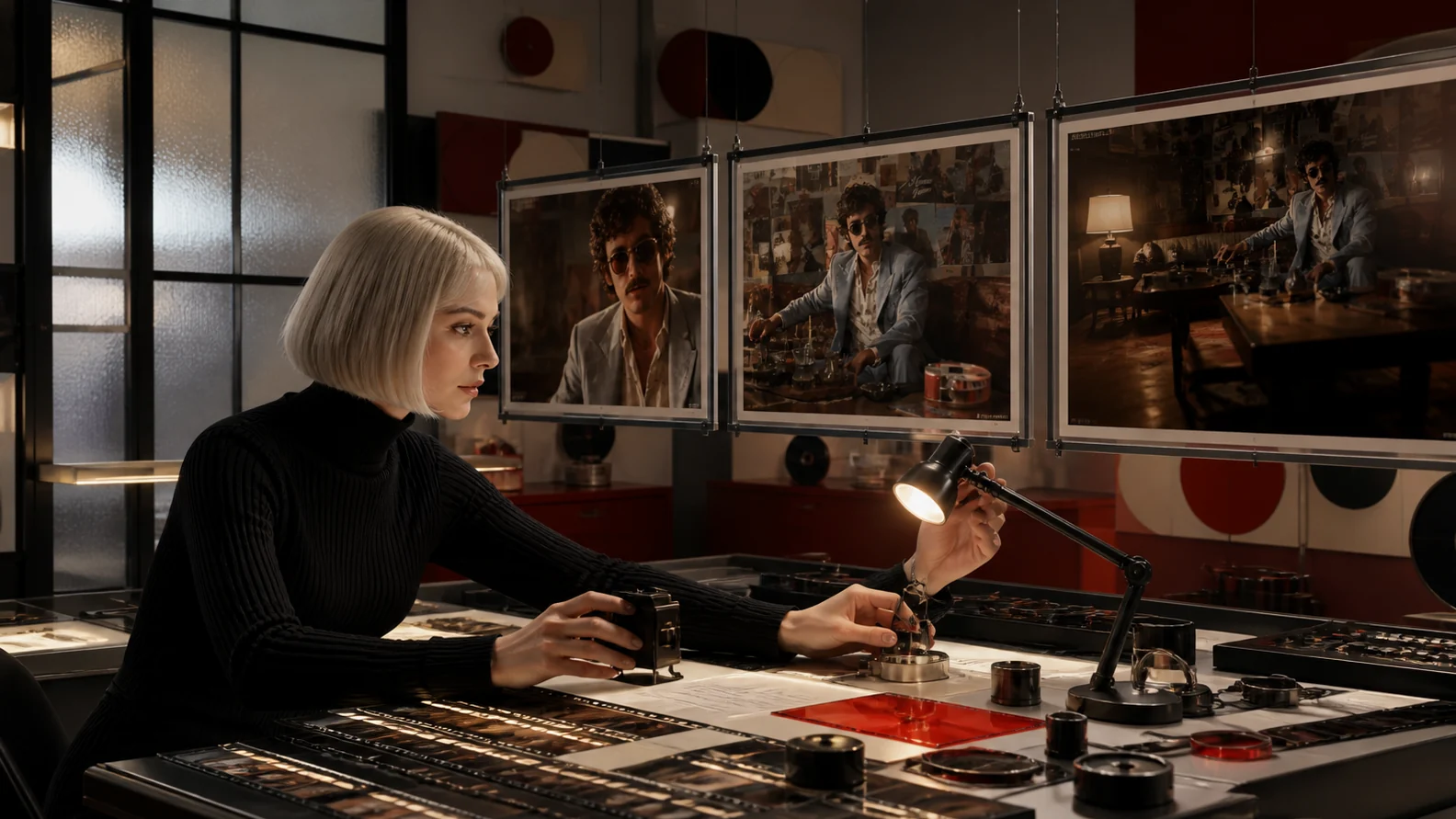
Edit rhythm: Measure shot length, cut density, and pacing patterns.
E

Edit rhythm

Measure shot length, cut density, and pacing patterns.

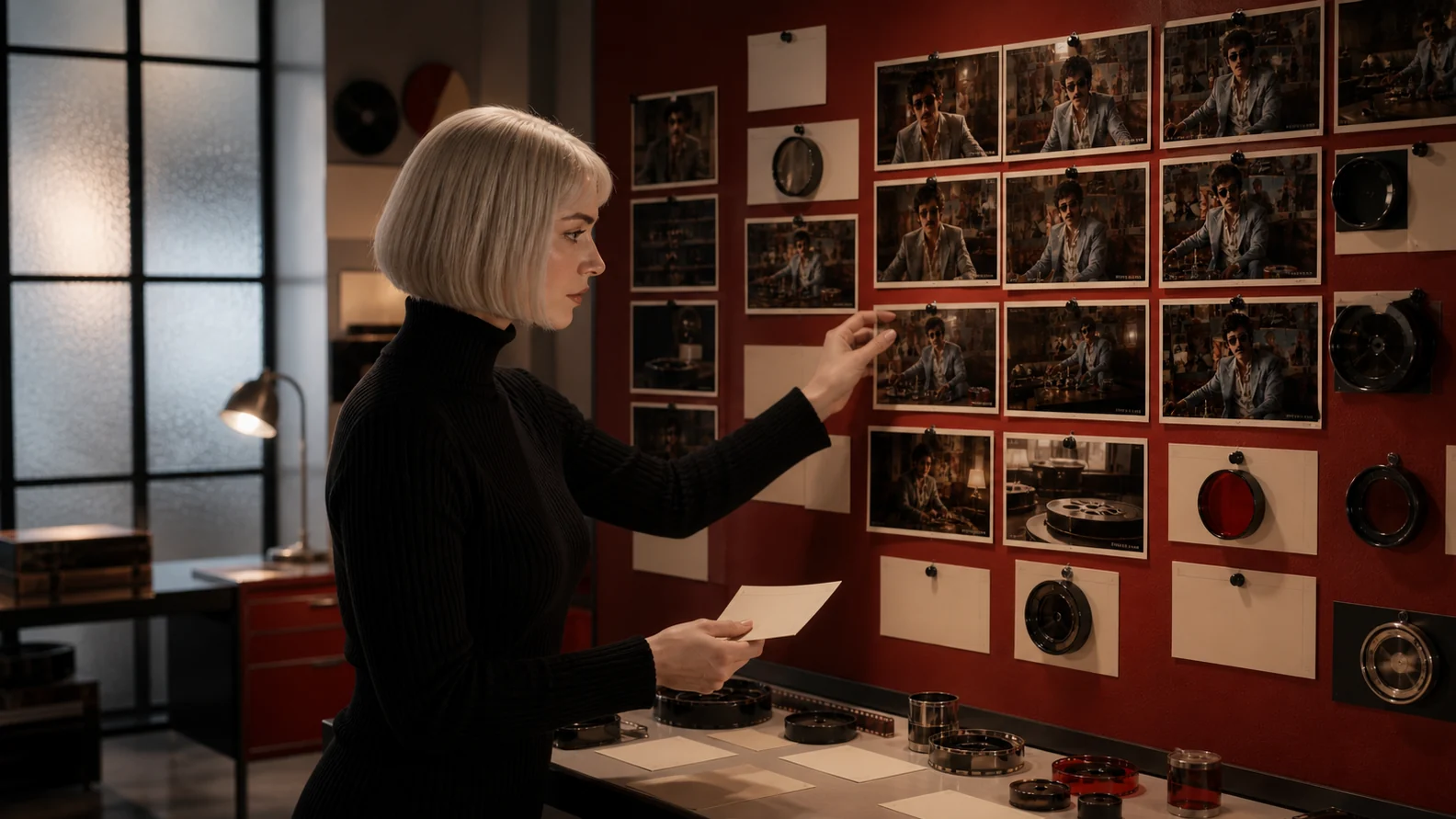
Cinematography study: Compare composition, lighting, camera motion, and visual continuity.
C

Cinematography study

Compare composition, lighting, camera motion, and visual continuity.

Reference deconstruction: Build a reusable shot report from a campaign, film scene, or creator video.
R

Reference deconstruction

Build a reusable shot report from a campaign, film scene, or creator video.

Good to know

Video breakdown questions

Do I need to run every phase?+
No. Run shot detection alone, add clip extraction, or continue through full per-shot analysis depending on your goal.
How many dimensions can be analyzed?+
The source skill provides a menu of fourteen dimensions and supports a focused subset or custom additions for a specific analysis goal.
How long should the source video be?+
The source skill recommends videos of five minutes or less for a single-pass breakdown.