Cinematic & Storytelling

Explainer Videos

Create host-led explainer videos with AI visuals and b-roll.

DollyDolly·May 13, 2026
Drama.Land Explainer Videos – Create host-led explainer videos with AI visuals and b-roll
10workflow phases
2starting routes
3visual layers
1final video
What it does

Coordinate the host, narration, and visual evidence

Start from a topic or an existing script. The skill plans the explanation, selects a host presentation approach, generates narration, and combines b-roll with purpose-built visuals so the final video supports the spoken argument.
  • 1Start from either a topic or a script
  • 2Coordinate host voice, b-roll, and AI visuals
  • 3Review one complete explainer-video output
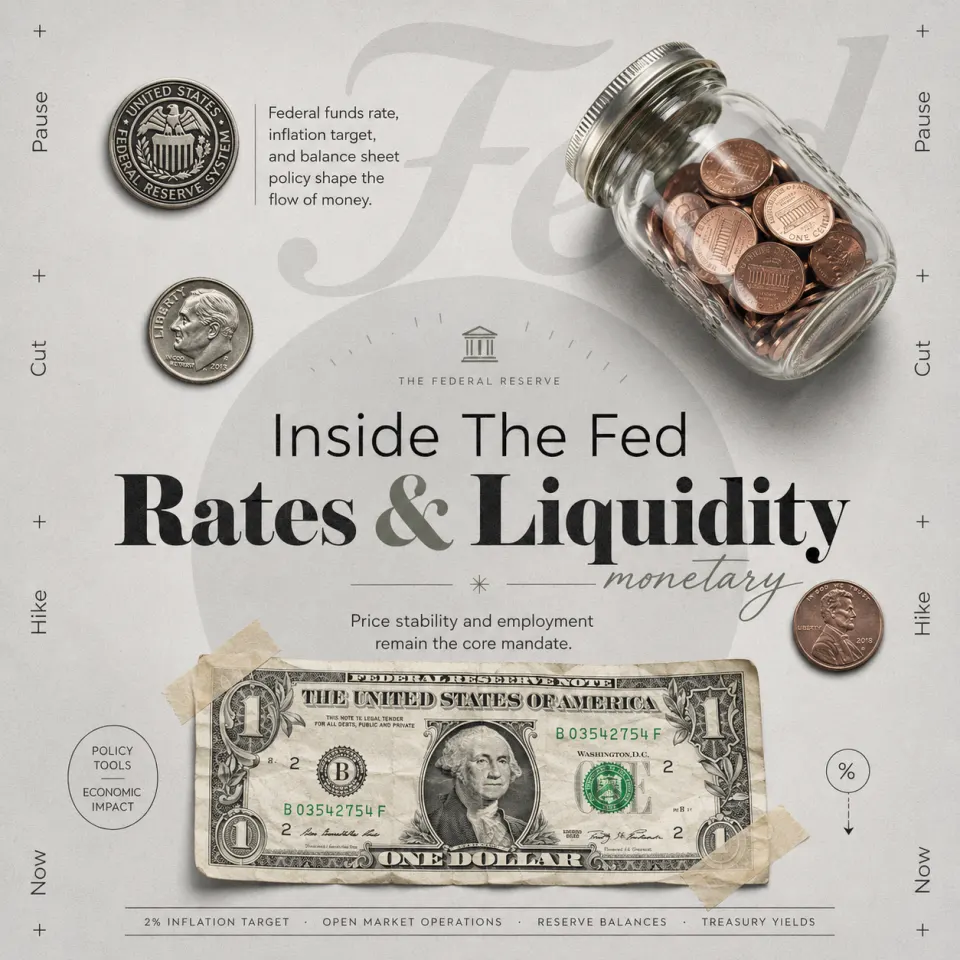
AI host presenting an explainer video in Drama.Land
Host-led explainer example
First-party Drama.Land explainer artwork
Example
Representative host-led explainer visual created on Drama.Land. · © Drama.Land
How it works

Build an explainer around the message

The ten-phase workflow keeps narration and visuals aligned.

1

Set the knowledge goal

Provide a topic or existing script and define what the viewer should understand.

You bring
Topic or script
You get
Approved explanation plan
2

Produce the presentation

Create the host treatment, narration, b-roll plan, and generated supporting visuals.

You bring
Plan, host direction, and references
You get
Aligned voice and visual sequence
3

Assemble and review

Combine the layers, check pacing and clarity, and render the explainer.

You bring
Approved presentation assets
You get
Finished host-led explainer video
Use cases

Explain knowledge in a watchable format

Product education: Explain a workflow, feature, or category with visual support.

P

Product education

Explain a workflow, feature, or category with visual support.

Learning content: Turn structured knowledge into a host-led lesson.

L

Learning content

Turn structured knowledge into a host-led lesson.

Thought leadership: Package an expert point of view as a concise video.
T

Thought leadership

Package an expert point of view as a concise video.

Good to know

Explainer video questions

Can I use an existing script?+
Yes. The workflow supports both a topic-first route and a script-first route.
What visual types are included?+
The skill coordinates the host presentation, b-roll, and generated visuals around the narration.
Is the output just a script?+
No. The workflow proceeds through production and delivers a finished explainer video.