Image Creation

Image Studio

Create images from ideas, prompts, or references.

DollyDolly·May 3, 2026
Drama.Land Image Studio – Create images from ideas, prompts, or references
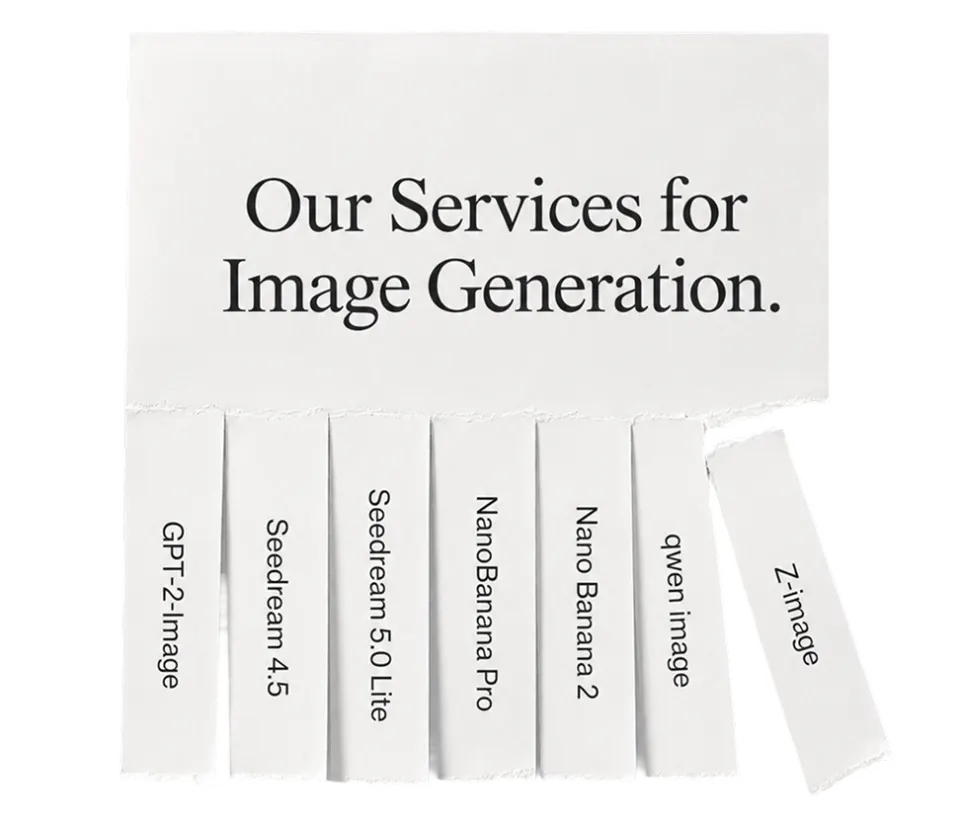
5image services
2task types
4Kavailable output
1+reference images
What it does

Use one image workflow across multiple generation services

Image Studio understands whether you need generation or editing, considers your prompt and references, and routes the request to a compatible service. It is the model-agnostic image workspace on Drama.Land.
  • 1Route across five supported image services
  • 2Handle generation and editing tasks
  • 3Support reference-led creation and high-resolution output routes
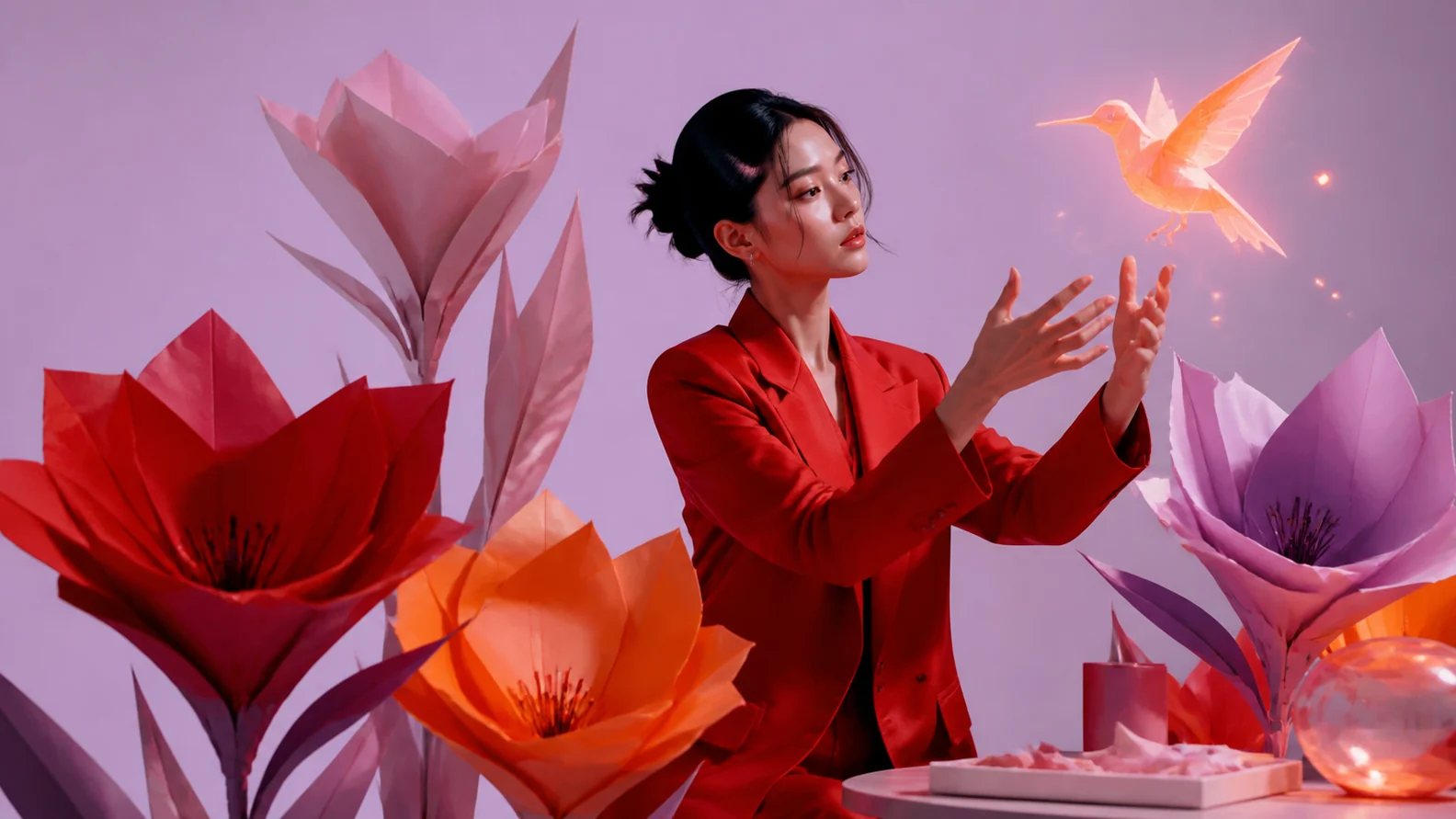
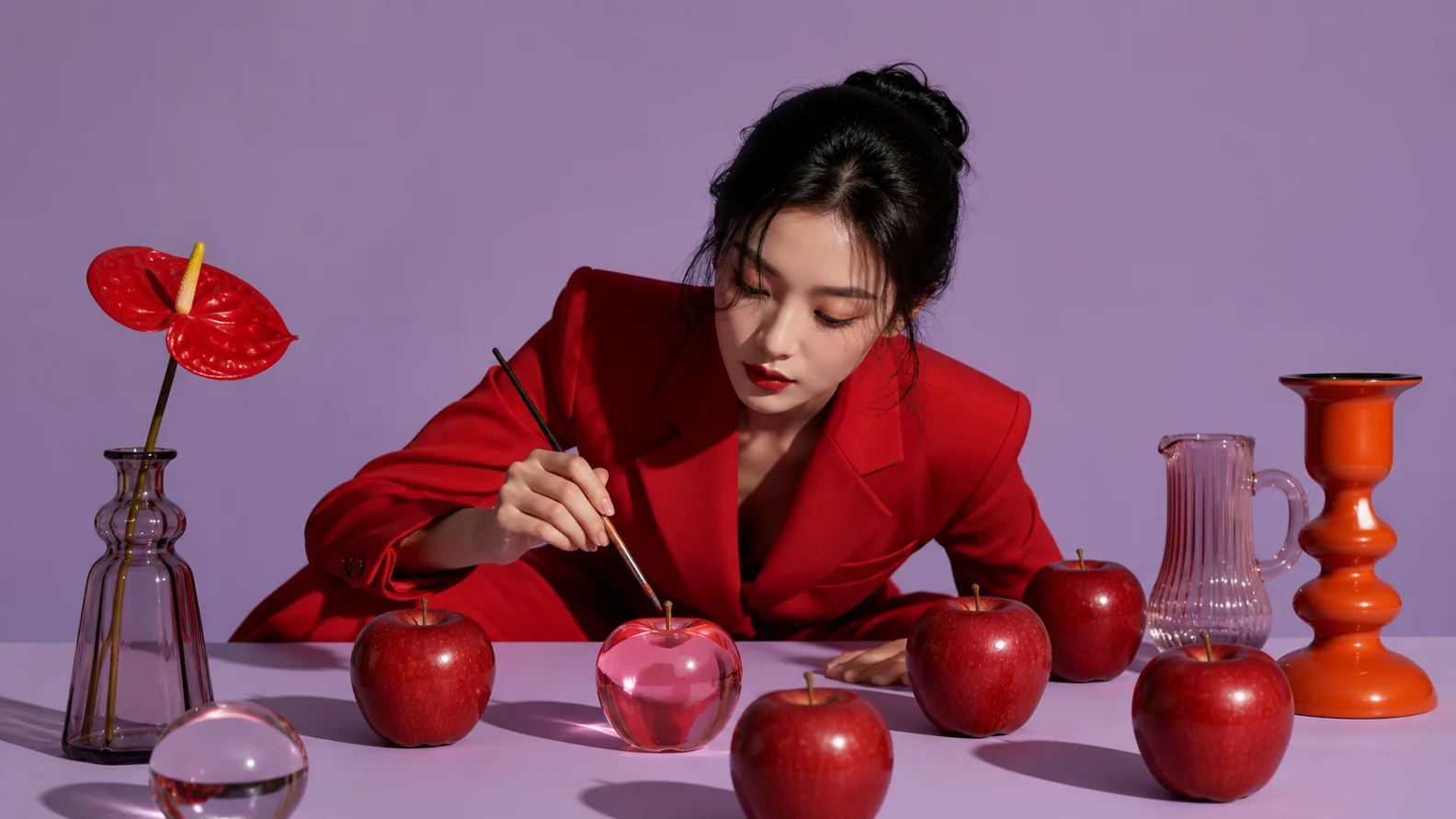
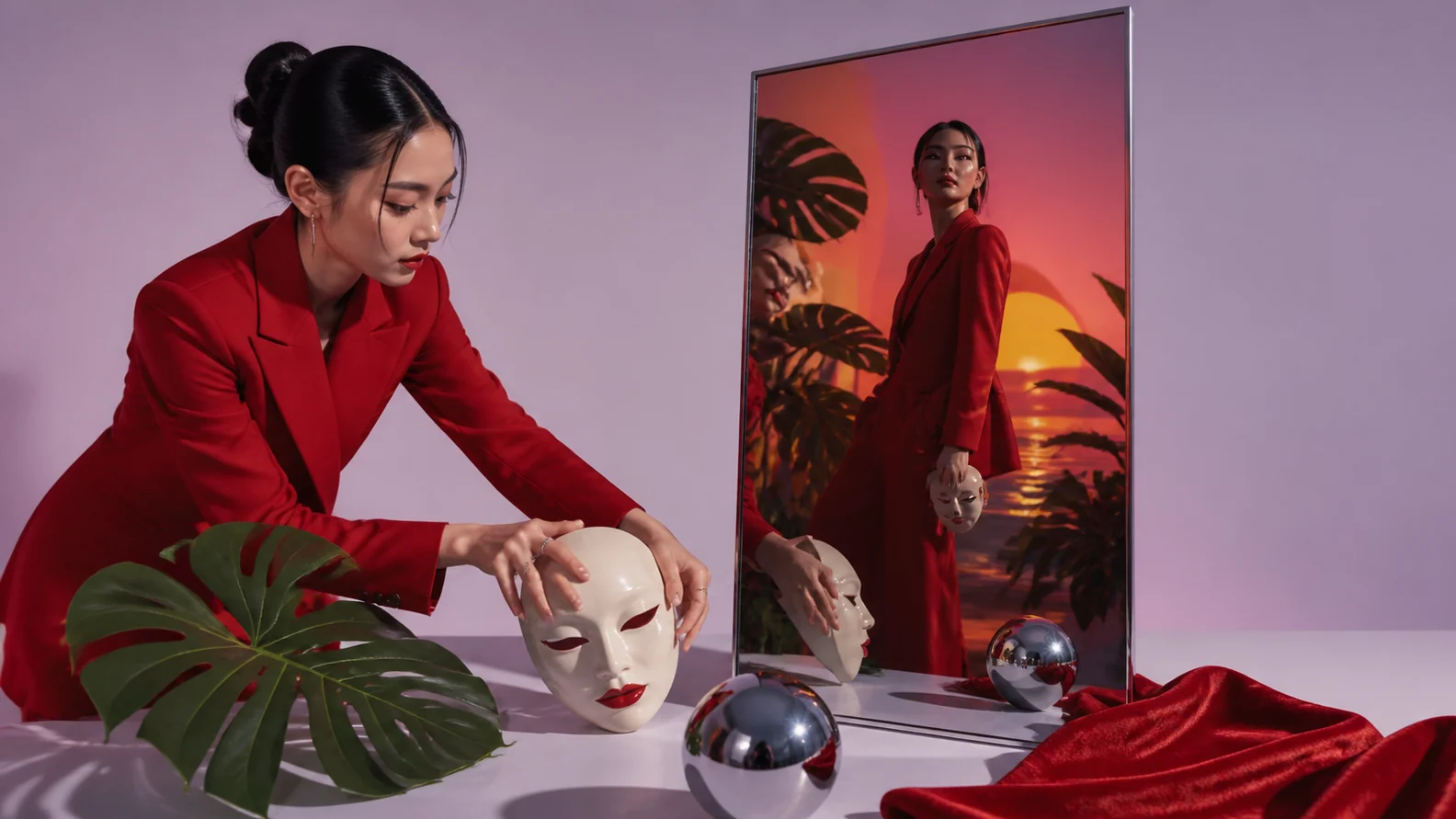
Detailed AI-generated image created with Drama.Land Image Studio
AI image example
A first-party Drama.Land generated image
Example
Representative image created through the model-agnostic Drama.Land Image Studio. · © Drama.Land
How it works

Create or edit with the right image route

1

Describe the image

State the subject, composition, style, lighting, and intended use.

You bring
Prompt plus optional references
You get
Clear image brief
2

Choose generation or edit

Match the task and references to a compatible image service.

You bring
Brief and source assets
You get
Configured image request
3

Generate and refine

Review composition, text, identity, and details, then request targeted changes.

You bring
Configured request
You get
Generated or edited image
Use cases

A flexible workspace for image creation

Text to image: Create original visuals from a detailed written direction.
T

Text to image

Create original visuals from a detailed written direction.

Image editing: Change selected content while preserving the useful parts of a source image.
I

Image editing

Change selected content while preserving the useful parts of a source image.

Reference composition: Combine visual references to guide character, product, or style consistency.
R

Reference composition

Combine visual references to guide character, product, or style consistency.

Good to know

AI image generator questions

Can I edit an uploaded image?+
Yes. Describe the specific change and what must remain unchanged.
Can I use more than one reference?+
Yes, when the selected service supports it. Explain what each reference should contribute.
How is this different from GPT-2-Image?+
Image Studio is model-agnostic and can route across five services. GPT-2-Image is a dedicated page pinned to that specific model.