Models

HappyHorse

Generate videos with HappyHorse.

DollyDolly·May 13, 2026
Drama.Land HappyHorse – Generate videos with HappyHorse
3generation routes
1–9R2V images
3source patterns
1generated video
What it does

Choose the HappyHorse route that matches your source material

The pinned workflow supports reference-to-video with one to nine images, single-frame image-to-video, and video editing. Prompts can be written in Chinese or another supported language while the source assets define the route.

  • 1Choose among three HappyHorse routes
  • 2Use one to nine images for reference-to-video
  • 3Work from references, one image, or a source video
HappyHorse example
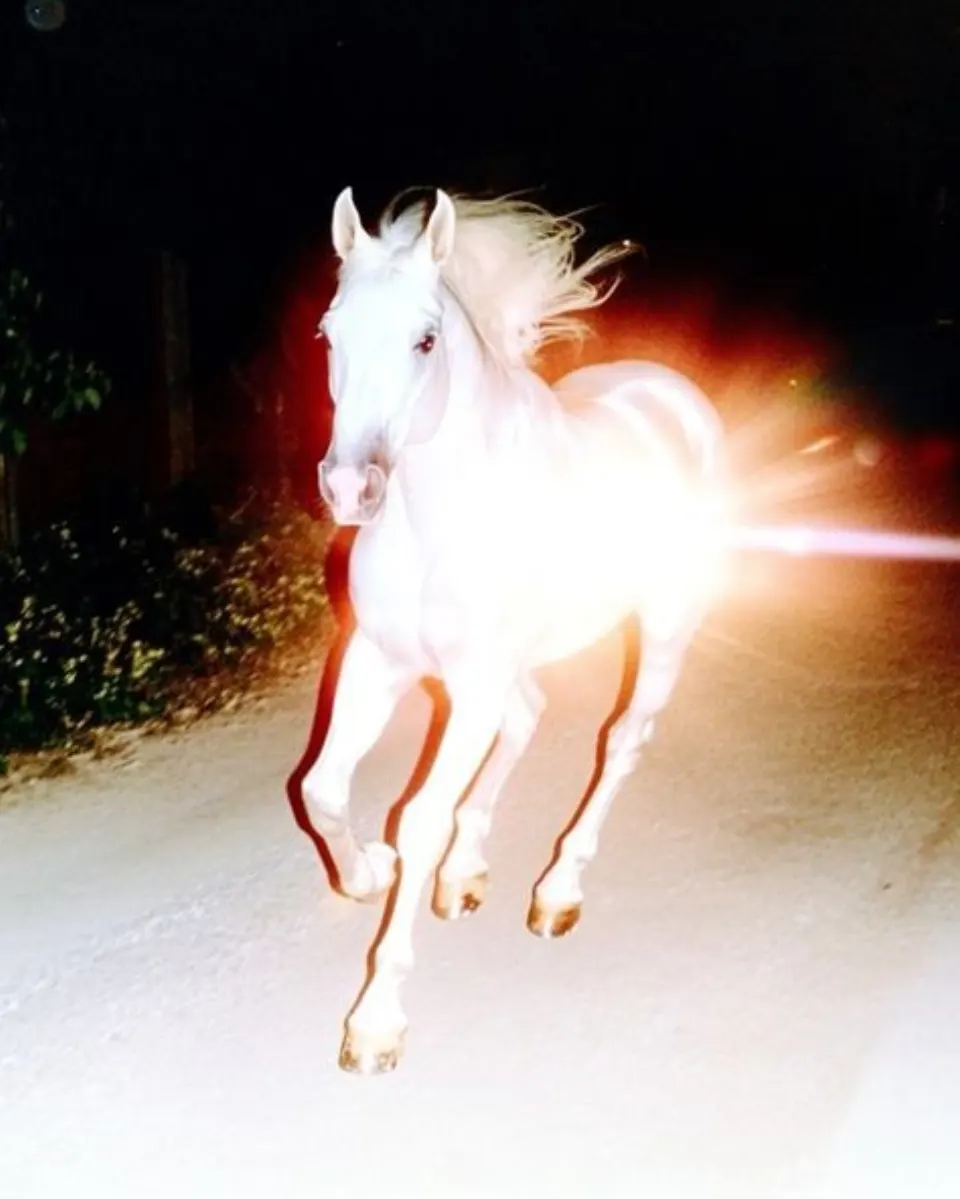
A first-party Drama.Land HappyHorse output
Model
Representative HappyHorse output generated from reference media. · © Drama.Land
How it works

Generate with HappyHorse

1

Choose the source route

Select multi-reference, single-image animation, or video editing.

You bring
Images or source video
You get
Compatible HappyHorse route
2

Describe the change

Write the motion, camera, scene, or edit direction in Chinese or another supported language.

You bring
Prompt and selected source assets
You get
Configured HappyHorse request
3

Generate and review

Inspect motion, identity, and adherence to the references or source video.

You bring
Configured request
You get
HappyHorse video
Use cases

Three source-led HappyHorse workflows

Multi-reference video: Guide a new video with one to nine reference images.

M

Multi-reference video

Guide a new video with one to nine reference images.

Single-image animation: Animate one frame with described motion and camera behavior.

S

Single-image animation

Animate one frame with described motion and camera behavior.

Video editing: Transform an existing clip through the model's editing route.
V

Video editing

Transform an existing clip through the model's editing route.

Good to know

HappyHorse questions

How many reference images can I use?+
The reference-to-video route supports one to nine images.
Can I animate just one image?+
Yes. Use the single-frame image-to-video route.
Can it edit an existing video?+
Yes. Choose the video-editing route and describe the intended transformation.