Models

Grok Imagine

Generate bold, expressive videos with xAI Grok Imagine.

DollyDolly·May 13, 2026
2generation routes
2input patterns
1image reference
1generated video
What it does

Use the Grok Imagine route that matches your starting point

This pinned skill separates creative text-to-video from single-reference image-to-video. The image route requires exactly one reference, while both routes use a concise description of motion, camera, and mood.

  • 1Choose text-to-video or image-to-video
  • 2Start from text or one image
  • 3Use exactly one reference on the image route
Grok Imagine example
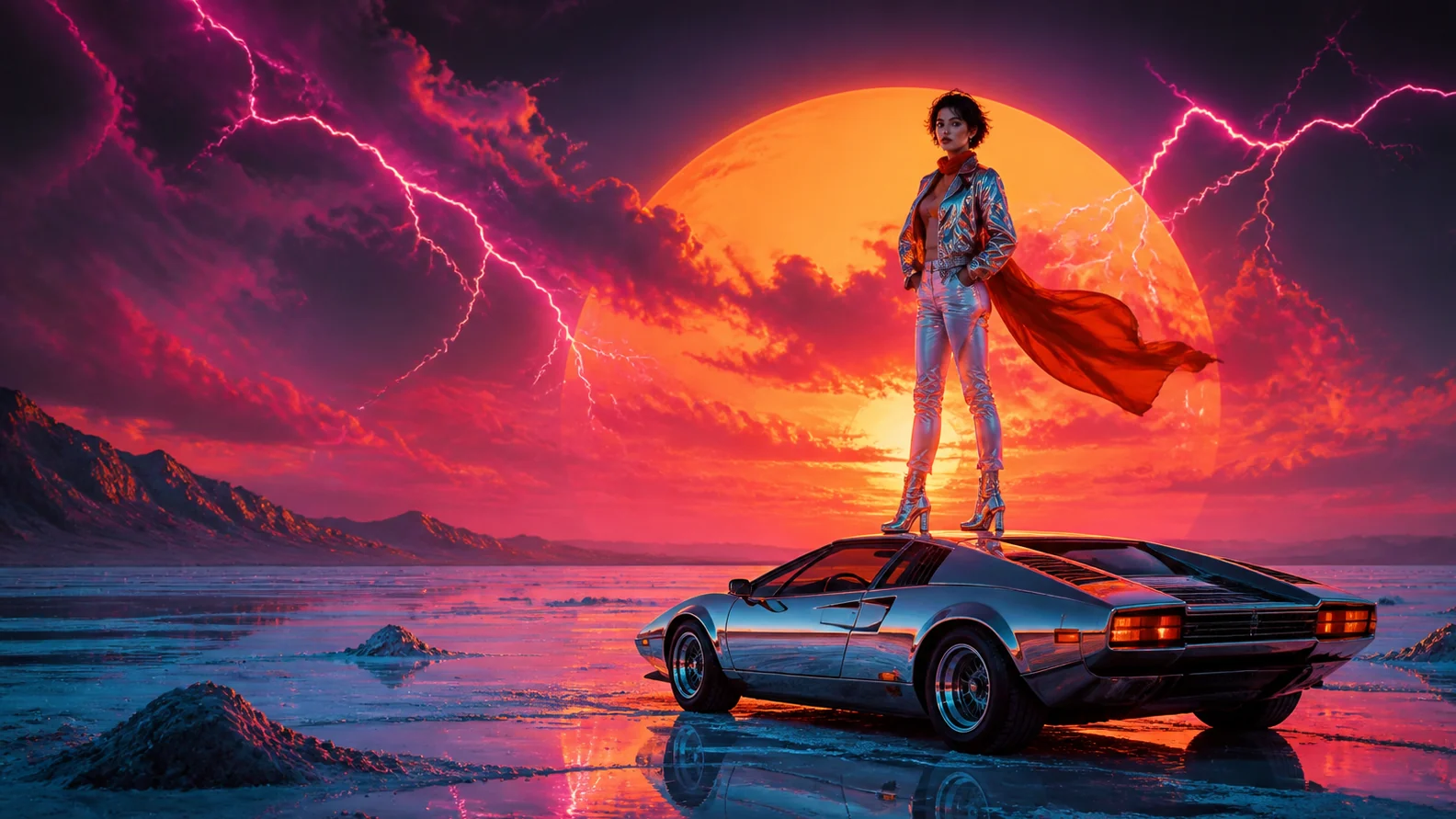
A first-party Drama.Land Grok output
Model
Representative Grok Imagine output created through the pinned model workflow. · © Drama.Land
How it works

Generate with Grok Imagine

1

Choose text or image

Start with a creative text brief or select exactly one image for animation.

You bring
Text or one reference image
You get
Compatible Grok route
2

Direct the motion

Describe action, camera behavior, atmosphere, and visual mood.

You bring
Starting input and motion direction
You get
Configured Grok request
3

Generate and review

Create the result and inspect motion, composition, and prompt adherence.

You bring
Configured request
You get
Grok Imagine video
Use cases

Two focused ways to create with Grok Imagine

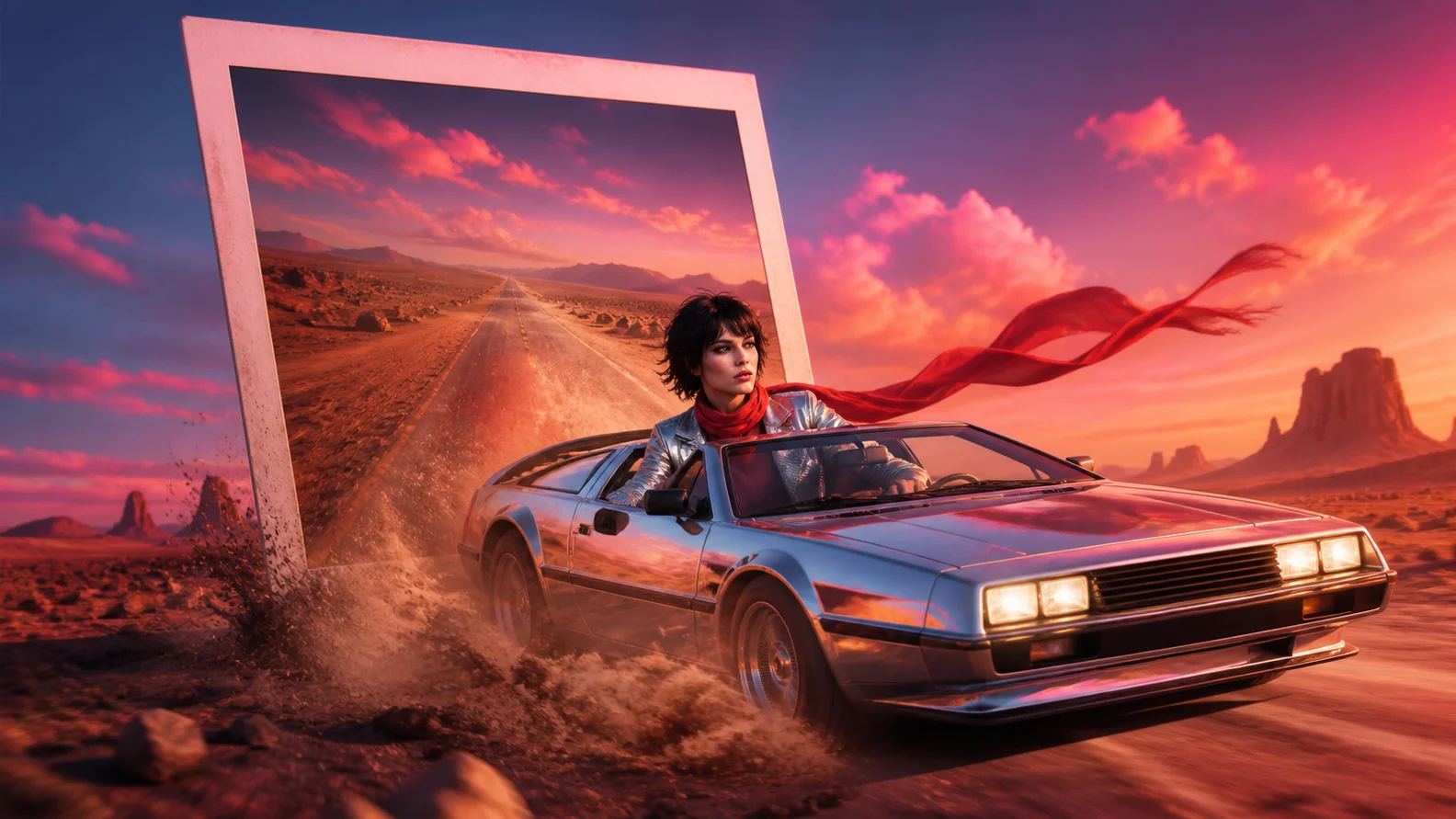
Creative text to video: Generate an expressive scene directly from a written concept.
C

Creative text to video

Generate an expressive scene directly from a written concept.

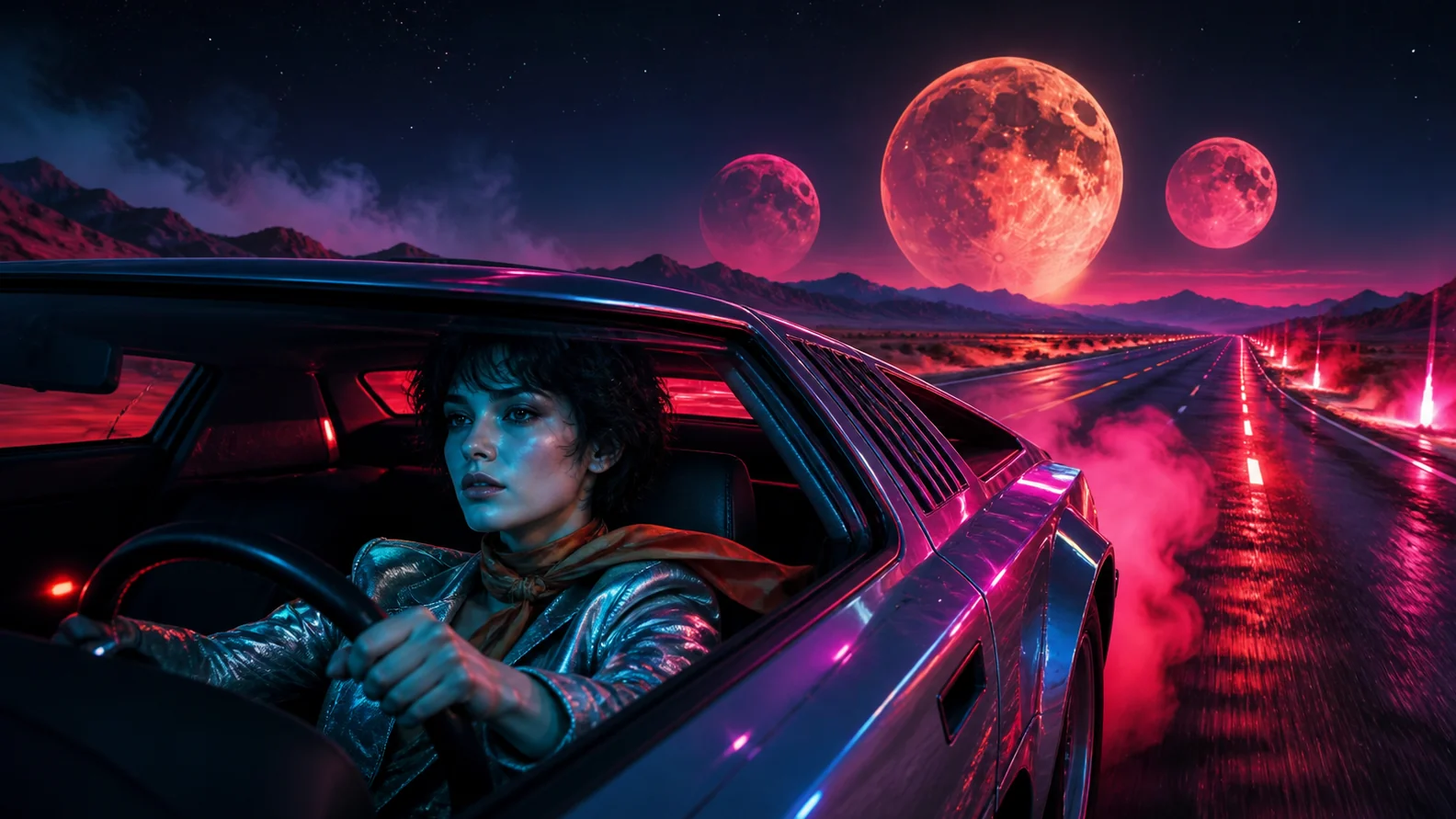
Single-image animation: Bring one still image to life with described movement.
S

Single-image animation

Bring one still image to life with described movement.

Mood-driven clips: Explore stylized motion, camera, and atmosphere from a concise brief.
M

Mood-driven clips

Explore stylized motion, camera, and atmosphere from a concise brief.

Good to know

Grok Imagine questions

Which routes are available?+
The source skill supports creative text-to-video and single-reference image-to-video.
How many images can I upload?+
The image-to-video route requires exactly one reference image.
What should the prompt include?+
Describe the motion, camera, mood, and any critical subject behavior you want in the clip.