The Music Video Problem Nobody Solved
Making a music video costs money most indie musicians don't have. A basic 3-minute Music Video runs $5,000-$20,000 when you add up crew, locations, talent, and post-production. Timeline? Two to four weeks minimum. For artists dropping singles every few months, that math doesn't work. Most indie releases ship with a static cover image and hope for the best.
AI video tools promised to change this. Upload an image, write a description, get a video. The reality fell short. Characters changed faces between shots. Camera movements looked robotic. Visuals had nothing to do with the music's rhythm. What came out wasn't a music video—it was a screensaver with audio.
Seedance 2.0 changes this equation for Drama.Land users. Not another single-image generator—it's a multimodal engine that takes images, reference videos, and your actual music as input, then generates visuals that match.
Try it now: Drama.Land
What Seedance 2.0 Brings to Drama.Land
Drama.Land has always focused on lowering the barrier for music video creation. Seedance 2.0 pushes this further by solving three problems that previous models couldn't:
1. Real Control Over Camera Movement
Before: You typed "slow pan left with handheld shake" and hoped the model understood.
Now: Upload a 5-second reference clip from any Music Video you love. Seedance 2.0 analyzes the movement pattern—pan, tilt, tracking, shake characteristics—and replicates it in your generated video.
What this means for Drama.Land: Creators can finally achieve the cinematic look they envision without learning cinematography terminology. See a shot you like? Reference it. Done.
2. Music-Aware Generation
Before: Generate video first, sync to music in post. The visuals were never designed with rhythm in mind.
Now: Upload your track as an input. Seedance 2.0 considers audio features during generation:
- Drum hits influence visual transitions
- Vocal entries trigger scene changes
- Energy shifts affect motion intensity
What this means for Drama.Land: The platform's core promise—turning music into video—finally works as intended. Visuals arrive rhythm-aware, not rhythm-agnostic.
3. Characters That Stay Consistent
Before: Your protagonist changed face, hair, and clothing between shots. The "main character" became three different people.
Now: Provide 2-3 reference images from different angles. Seedance 2.0 cross-references these during generation, maintaining consistency across shots.
What this means for Drama.Land: Multi-shot storytelling becomes viable. Series creators can build recurring characters. Brand mascots stay on-model.
The Multimodal Difference
Traditional AI video accepts one input: an image or text prompt. Everything else—camera, character, rhythm—the model guesses.
Seedance 2.0 flips this. You provide references for everything you care about:
| Input Type | Limit | What It Controls |
|---|---|---|
| Images | Up to 9 | Character angles, scene refs, props |
| Videos | Up to 3 (2-15s each) | Camera motion patterns |
| Audio | Up to 3 (15s total) | Rhythm, beat sync, energy |
| Text | Unlimited | Scene description |
Total: 12 files maximum per generation. Chain multiple generations for full-length music videos.
This isn't more inputs for complexity's sake. Each input type solves a specific problem that text prompts can't handle.
How Drama.Land Users Benefit
| Capability | Before Seedance 2.0 | With Seedance 2.0 |
|---|---|---|
| Camera motion | Describe in text, hope for the best | Reference video, replicated exactly |
| Character consistency | Unreliable across shots | Multi-angle reference, stable identity |
| Music sync | Post-production manual alignment | Generation-time awareness |
| Input flexibility | 1 image + text | 9 images + 3 videos + 3 audio |
| Workflow | Generate → Edit → Align | Reference → Generate → Export |
Workflow on Drama.Land
Step 1: Prepare Materials
- Character images (2-3 angles)
- Scene reference images
- Motion reference video
- Audio file (your track or section)
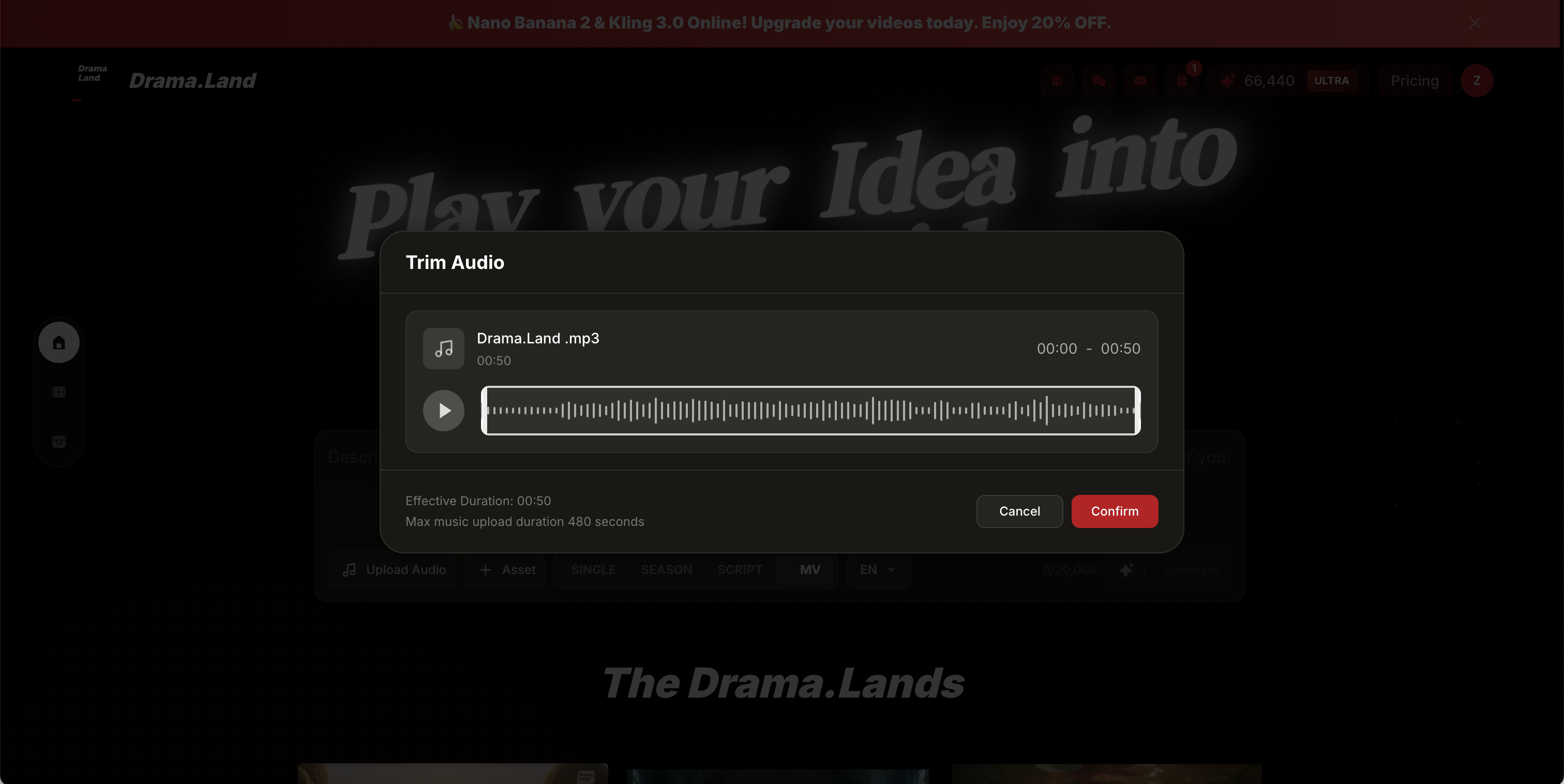
Step 2: Upload to Drama.Land Navigate to Drama.Land. Drag materials into the interface.
Step 3: Describe the Scene Write what happens. Don't describe camera movement or character appearance—your references handle that.
Step 4: Generate and Review Generate clips, chain them together for full-length Music Videos. Satisfied? Keep building. Not satisfied? Adjust references.
Step 5: Export Add auto-generated sound effects or your original track.
Get Started
Stop releasing singles with static cover images.